
DOCS / User guide
Account and security
Complete your FisProxy account and manage platform bindings, passwords, passkeys, balances, and skin preferences.
Set up an account that is easier to use.
Sign in to the User Center, then open the Account page from the sidebar. Balances, redemption, top-ups, bindings, passwords, passkeys, and skin preferences are all here.
The screenshots on this page show the Chinese interface. The User Center also supports English.
Complete your account details
Some early accounts and new accounts ask you to set a username, email address, and password on the first visit. Each account has one username, one email address, and one password. Passwords have at least eight characters.
Use an email address that you can access long term. Store your password in a trusted password manager. FisProxy support does not ask for your password in a group or private chat.
Verify a numeric QQ number
After you verify a numeric QQ number, you can use it for password recovery.
Send this command to the bot from a signed-in chat platform:
/verifyqq <QQ number>The system sends a six-digit code to the email address for that QQ number. After you receive it, send this command within five minutes:
/verifyqq <QQ number> <code>Repeated code requests for the same QQ number need a wait between them. If this QQ number is connected to another FisProxy account, the bot asks you to confirm a merge. Before you confirm, check that you own both accounts.
Bind chat platforms
You can bind QQ, KOOK, Discord, Telegram, and other platform accounts to one FisProxy account. After binding, you can use the bot and receive notifications on those platforms.
- On the Account page, find the identity binding area.
- Select Bind new platform. The page generates a binding token that is valid for 10 minutes.
- From the platform account that you want to bind, send the complete command to the bot:
/bind <token>- After binding succeeds, the identity binding area lists that platform.
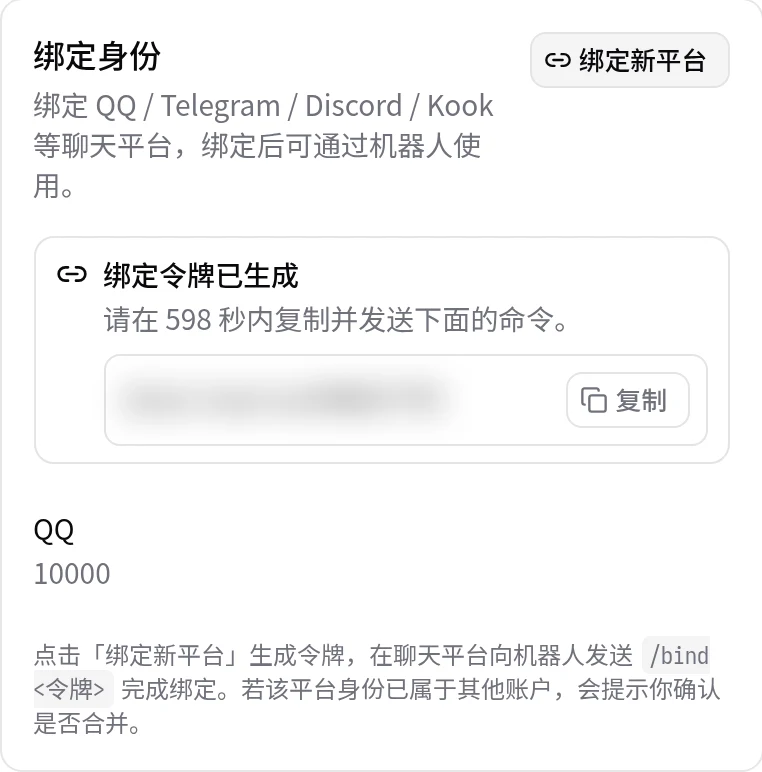
If the token expires, generate it again on the page. If that platform identity belongs to another FisProxy account, the bot guides you through a merge confirmation. Before you continue, stop active acceleration sessions on both accounts.
Manage your password
In the password area on the Account page, set a new password with your old password. If you forget your password, reset it on the sign-in page with your verified numeric QQ number. See User Center and sign-in.
After the change, update your password manager. Do not reuse the same password on other sites.
Passkeys
A passkey makes device fingerprint, face recognition, or system unlock an extra sign-in method. The account still needs a password.
- Find the Passkey area on the Account page.
- Enter a recognizable device name.
- Select Add Passkey, then complete the verification in your browser or device.
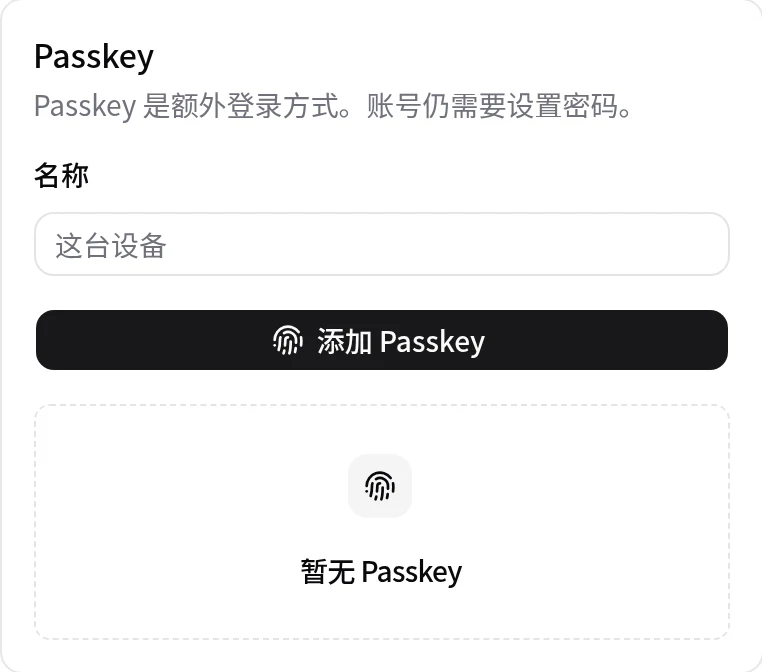
You can add a passkey for each phone or computer, and remove a passkey that you no longer use. Before you transfer or reset a device, remove its passkey.
Notification settings
The Account page lists your bound notification channels. Bound private chat channels receive notifications by default. You can turn them off here.
Numeric QQ verification mainly supports password recovery. Platform bindings support bot actions and notifications. Complete either item as needed.
Balance and redemption
The balance area shows acceleration time (Service Point), NFA Coin, and subscriptions separately, with their expiry dates.
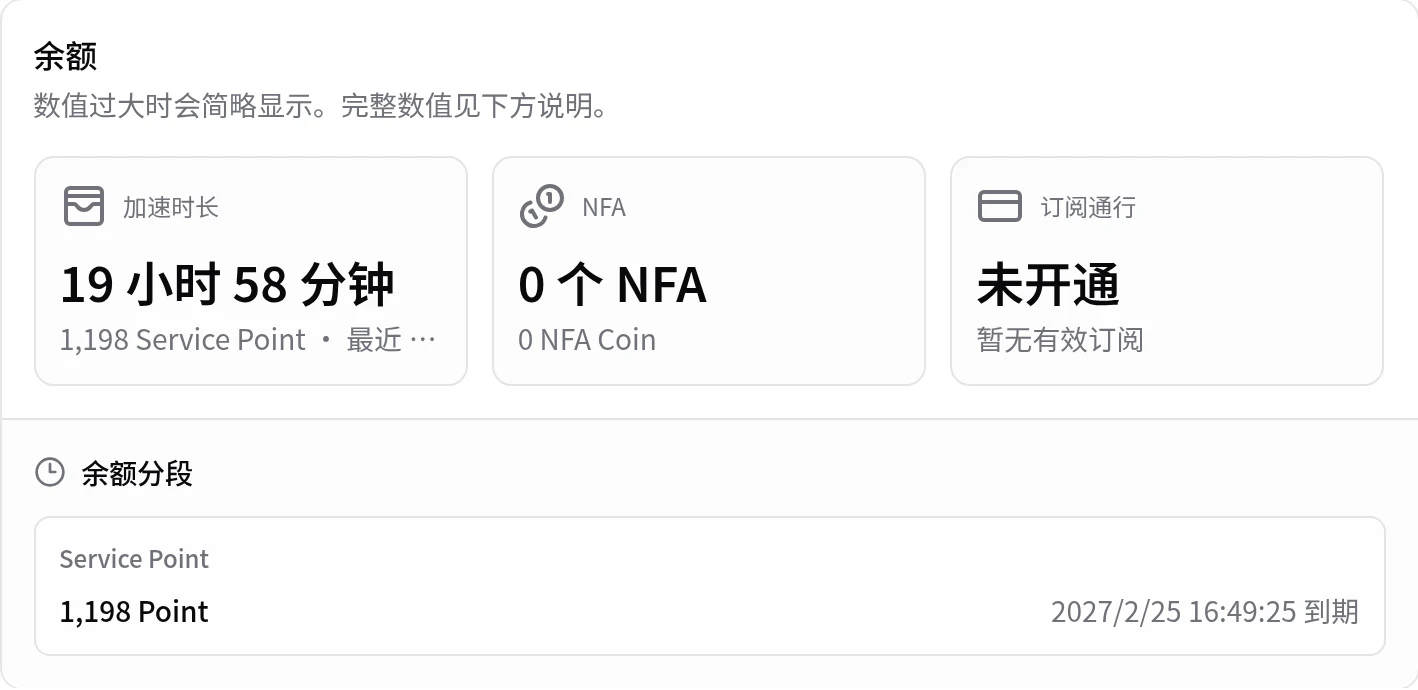
Enter a redeem code in the redemption area and submit it. After redemption succeeds, the balance refreshes immediately. See Subscriptions, pay-as-you-go, and NFA Coin for the billing rules.
Top up NFA Coin
NFA Coin is for platform AutoNFA. When the top-up entry is available, the NFA top-up area shows the current ratio, amount range, and payment methods. Credited NFA Coin stays valid for 90 days from the credit date, and you cannot top up while your balance exceeds the equivalent of 50 CNY. See Subscriptions, pay-as-you-go, and NFA Coin for details.
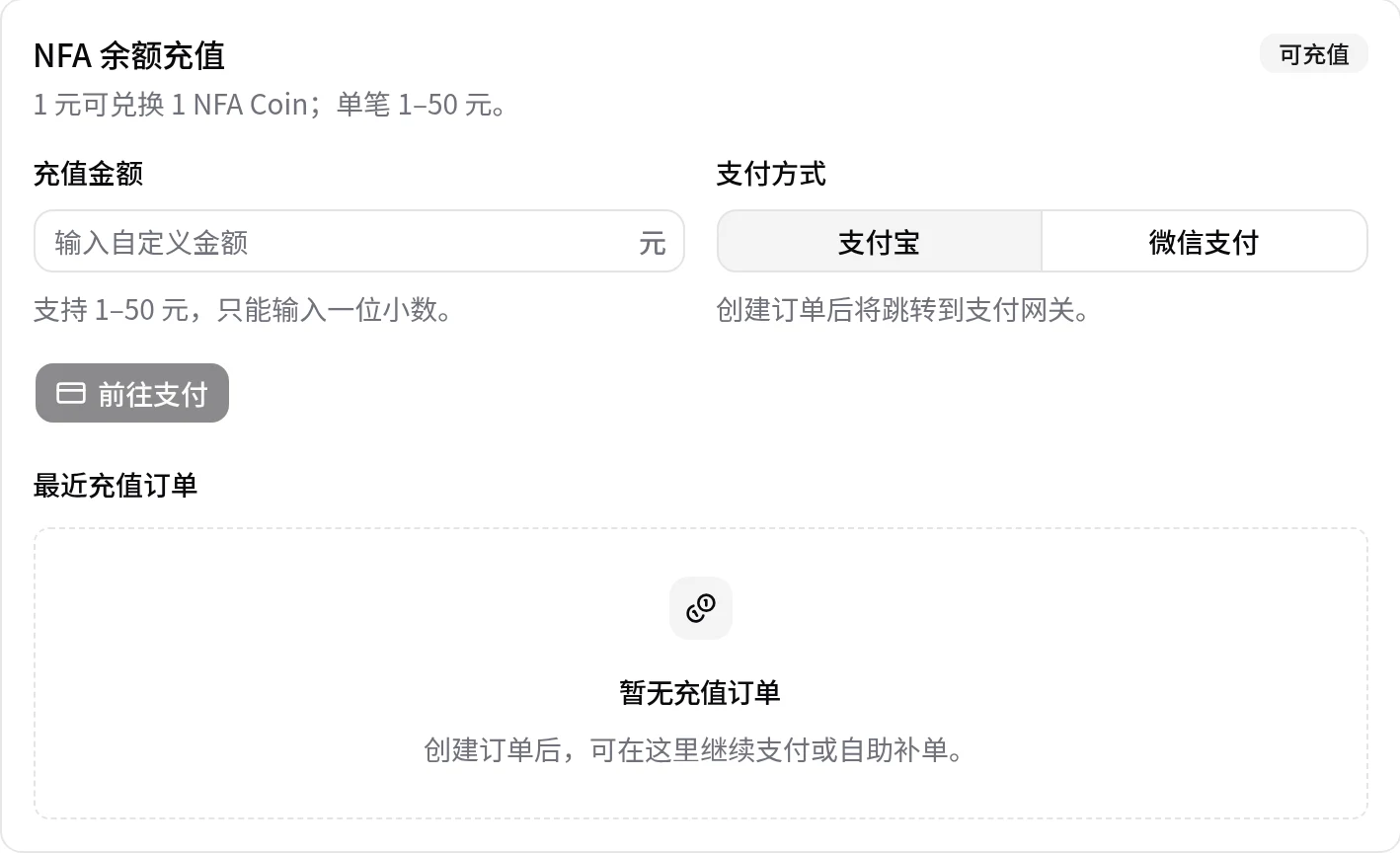
After you create an order, check payment status in the recent orders list. If you paid but the balance did not update, use the order query or self-service check first. Do not create a duplicate order. If the balance still does not arrive, give support the order number and payment time.
Set a Minecraft skin preference
Do you want platform AutoNFA to use a familiar appearance? In the AutoNFA skin preference area, enter a Java Edition player name or UUID and save it. After the platform assigns an AutoNFA, it tries to apply the latest official skin of that player.
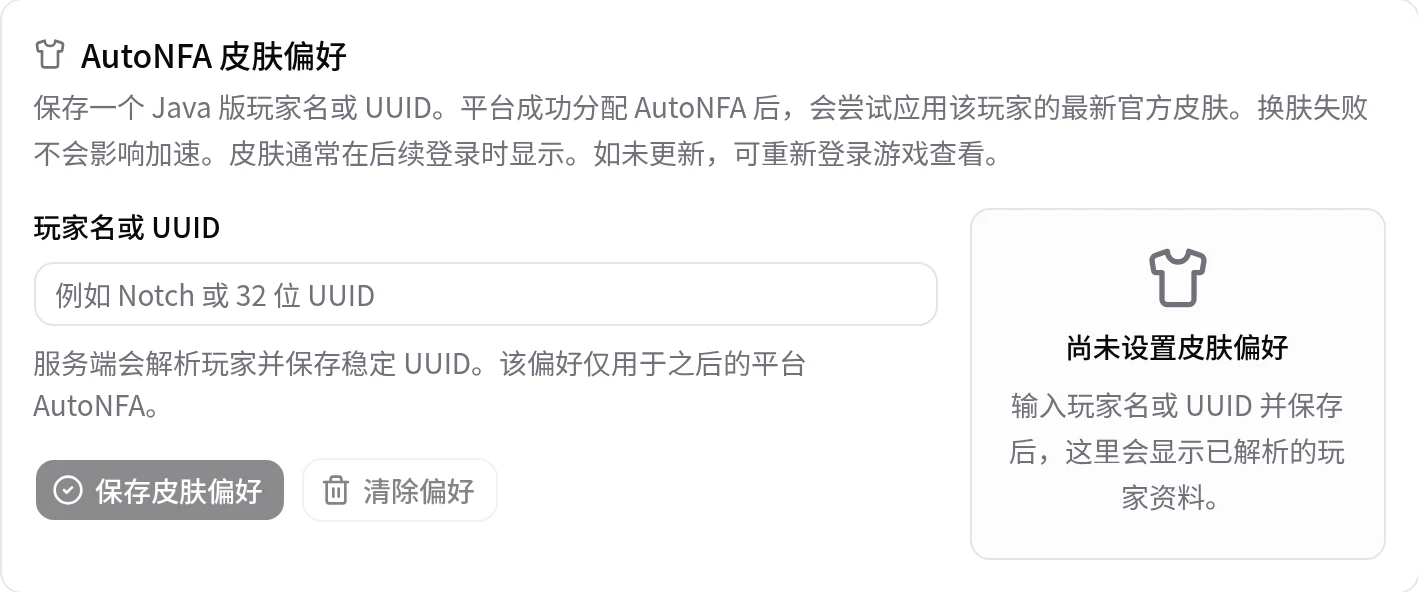
A failed skin change does not affect acceleration. The skin usually appears at the next game login. If it does not update, sign in to the game again. You can also clear the preference at any time.
Habits that protect your account
- Enter your FisProxy password only at
web.fisproxy.org. - Do not forward verification codes, binding tokens, or passkey prompts.
- Keep redeem codes and NFA information private. Do not share your entrance address publicly.
- For diagnosis, submit a ticket in My Tickets in the User Center, or create a private KOOK ticket. Do not submit passwords, tokens, cookies, or NFA credentials.
- If you find an unknown binding, unusual sign-in, or balance change, stop your active acceleration session, then contact us.
After setup, read Start acceleration, or follow Quick start for new users for your first connection.
NEXT / KEEP EXPLORING
Continue to explore.